
01
One configuration for every employee
It can leave specialist users underpowered and basic users over-specified. Role-fit creates a better balance.

A practical starting point for teams buying business laptops, desktop computers, workstations or a complete office IT setup.
Straight answers, practical options and no obligation to purchase.
Buying technology for a business is rarely about finding the cheapest laptop or the highest specification. It is about giving each team the right tools without creating configuration drift, support headaches or avoidable replacement costs later.
Whether you are opening an office, onboarding a new team or refreshing aging systems, this guide helps you frame the questions that lead to a more dependable decision.

Use these points to turn a vague requirement into a conversation that produces more relevant options.
Sales, finance, design, development, leadership and front-office teams often need different performance, mobility and accessory combinations.
Browser-based office work, large spreadsheets, CAD, analytics, coding and video calls place very different demands on a device.
Ask whether systems need operating systems, business software, asset labels, docks, monitors or network readiness before delivery.
A device bought for a short-term need is not the same as one expected to serve reliably through several years of growth.
Manufacturer warranty, repair coordination, replacement planning and a clear point of contact matter long after the initial invoice.
It can leave specialist users underpowered and basic users over-specified. Role-fit creates a better balance.

Warranty, configuration time, availability, compatibility and delivery readiness all affect the real cost of ownership.

New hires and office launches move faster when the delivery plan includes the essentials needed for Day 1.
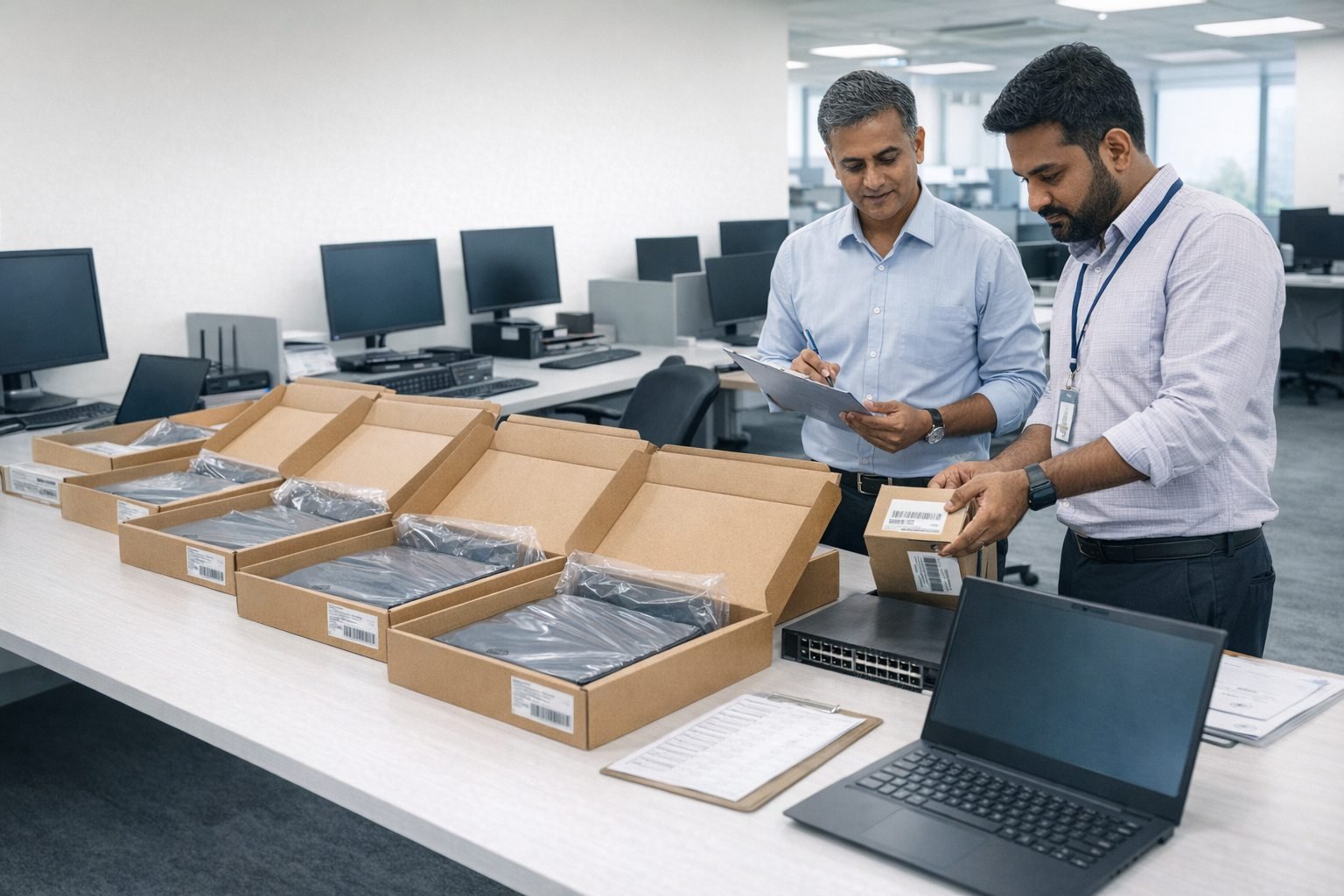
TechGuide helps translate a business requirement into a workable technology plan, then coordinates sourcing, configuration, delivery and support with one accountable partner.
"We needed 40 laptops configured for a new team in under two weeks. TechGuide delivered on time, within budget and every machine was ready to use out of the box."
"TechGuide became our single point of contact for hardware, networking and peripherals. It made the whole rollout easier to manage."
Share what your team needs, how quickly you need it and any brands or budget preferences already in discussion. TechGuide will help you work through the practical options.