
Slow laptops keep coming up in complaints.
When systems take minutes to start or applications stop responding smoothly, productive time leaks every day across the organisation.
Not hold them back.
Business laptops, desktop computers and complete office IT solutions designed to keep your organisation productive, standardised and ready for growth across India.

One laptop starts taking longer to boot. A desktop struggles with everyday applications. Employees share chargers because batteries no longer last. Someone avoids video meetings because their system freezes. The printer suddenly becomes everyone's problem.
What looks like a set of small technology issues gradually becomes slower projects, frustrated employees, lower productivity and management time spent solving problems that should not exist.
Technology should quietly help every employee do their best work. That is exactly what TechGuide helps businesses achieve.
If your team has experienced even one of these situations, the buying problem is probably not just price. It is clarity, fit, timing and accountability.
When systems take minutes to start or applications stop responding smoothly, productive time leaks every day across the organisation.
Every vendor recommends something different. Good buying should be based on how employees work, not what someone has in stock.
Ten new employees is exciting. Fifty needs configuration planning, budgets, delivery discipline and consistency across teams.
Reliable technology gives IT teams time to focus on strategic initiatives instead of batteries, warranties and recurring complaints.
The wrong purchase creates early replacements, compatibility issues, higher maintenance cost and lower employee satisfaction.
Laptops, desktops, monitors, networking, invoices and service experiences should not be scattered across disconnected contacts.
Most organisations calculate the purchase price of a laptop. Very few calculate the cost of poor performance.
If just twenty employees lose fifteen minutes every day waiting for slow systems, restarting applications or troubleshooting technology issues, that is more than five hours of productivity lost every single day.
Over a year, those small delays become hundreds of working hours. The investment is not just in better hardware. It is in helping your people perform at their best.
Better-fit devices reduce waiting, support tickets, replacement pressure and frustration that silently slows growth.
One of the biggest mistakes businesses make is buying identical devices for everyone. Different teams have different requirements, and the best procurement plan respects those differences without losing standardisation.
At TechGuide, we recommend technology based on the way each role works. That helps businesses optimise both performance and investment.

Stable systems for spreadsheets, financial software and secure daily workflows.
Portable laptops with battery life, camera quality and reliable meeting performance.
Higher processing power, memory, graphics capability and multitasking headroom.
Lightweight, dependable devices that balance mobility, security and long-term reliability.
New employees need devices from day one. Departments need standardisation. Multiple offices require consistency. Business applications demand better performance. Leadership expects predictable technology investments.
Map users, applications, mobility and performance needs.
Create configurations that reduce chaos without overbuying.
Align quote, delivery, warranty and support expectations.
Repeat the model as teams, offices and requirements grow.
Most suppliers ask how many laptops you need. TechGuide asks what your business does, how your teams work, how quickly you are growing, which applications are critical, whether employees are office-based, hybrid or remote, and what matters most: performance, mobility, longevity or budget.
That is the difference between selling products and delivering business solutions.
A startup with 10 employees has different technology requirements than a manufacturing company with 500 employees. A finance team works differently from architects, software developers or customer support executives.
TechGuide helps businesses choose technology that fits the way they work today while preparing for the way they will work tomorrow.
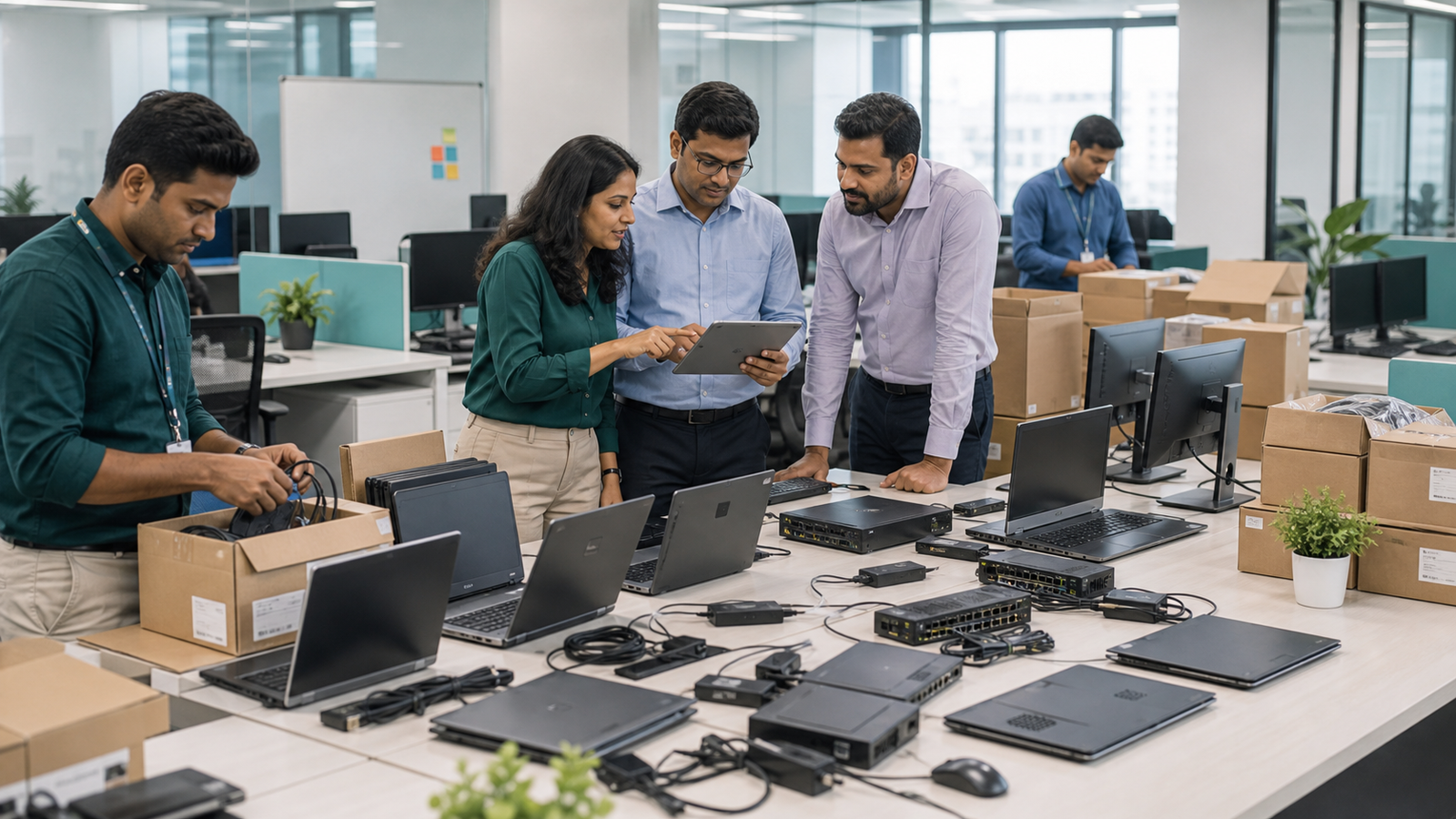
It is where employees communicate with customers, manage projects, analyse data, attend meetings and complete everyday business operations. Choosing the wrong laptop affects productivity every single day.
TechGuide helps organisations select business laptops based on actual business requirements instead of simply recommending the latest or most expensive model.
Instead of focusing only on specifications, TechGuide recommends systems that balance performance, reliability and future growth.
Different teams require different devices. Budgets need approval. Multiple quotations need comparison. Standardisation becomes essential. Without proper planning, procurement quickly becomes time-consuming and expensive.
Whether you are purchasing ten devices or several hundred, TechGuide helps your business make informed technology investments.
Every employee expects to be productive from day one. That requires careful planning across devices, connectivity, monitors, accessories, power backup and conference-room readiness.
3D design, engineering, architecture, video production, product design, simulation, data analysis, AI development, machine learning and scientific research need configurations selected around real application requirements.
TechGuide helps identify workstation configurations based on workload fit rather than simply recommending the highest available specification.
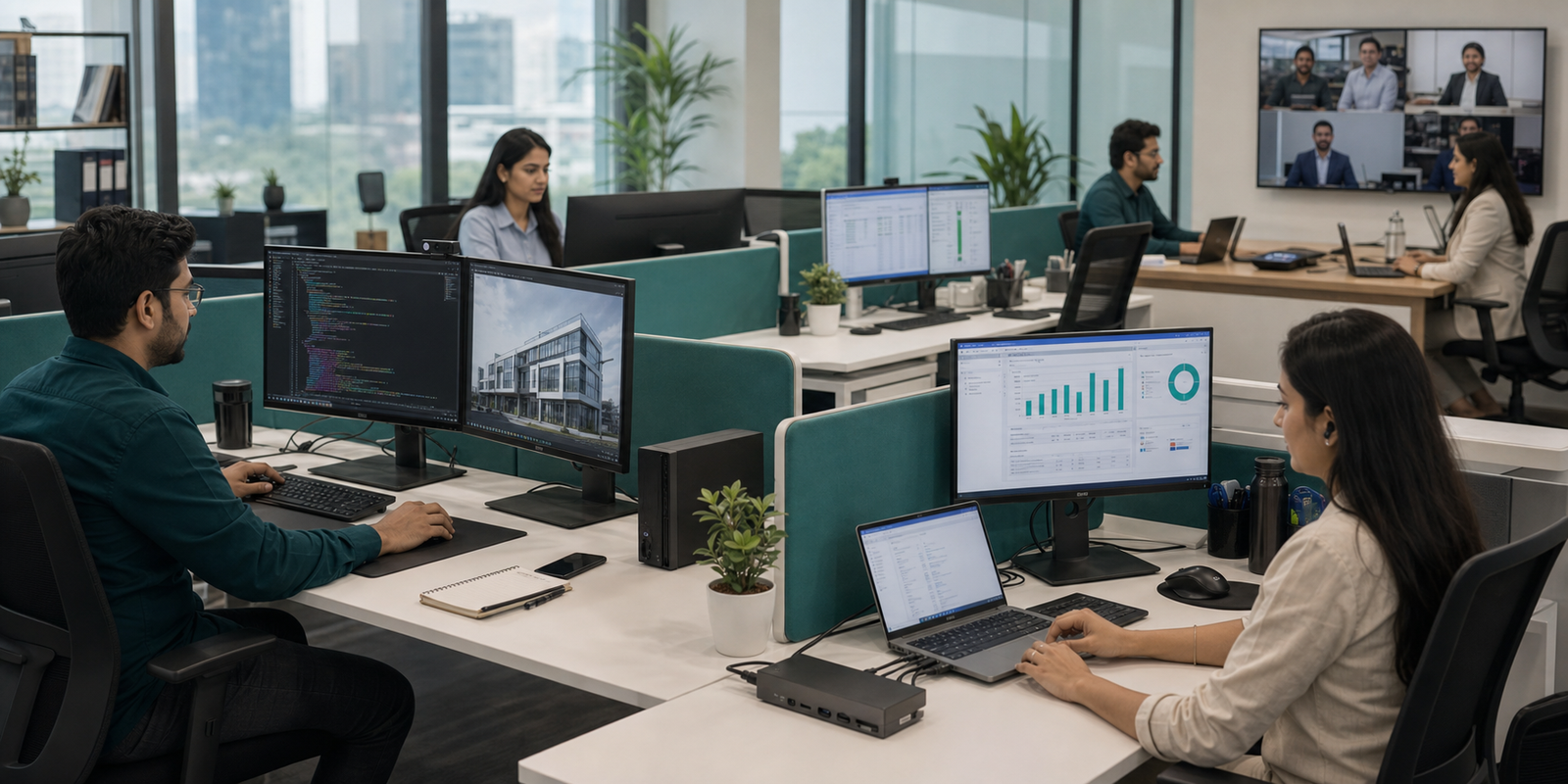
Employees spend thousands of hours every year looking at screens, joining meetings, switching desks, connecting devices and using accessories that either help or irritate them.
The right monitor improves comfort, multitasking, collaboration, visual accuracy and workspace efficiency.
Single, dual and specialised display environmentsHybrid professionals can connect monitors, keyboard, mouse, network, audio, storage and charging through one clean connection.
Cleaner desks and faster setup timesKeyboards, mice, webcams, headsets, USB hubs, laptop bags, adapters, external storage and conference peripherals improve daily experience.
Selected for long-term business useDifferent laptop models, chargers, operating environments, accessories and performance levels make support harder over time.
TechGuide works with businesses to create technology standards that support future growth instead of creating unnecessary complexity.
It involves planning, configuration consistency, delivery coordination, technology standardisation, future expansion and lifecycle considerations.
The right technology decisions today should continue supporting your organisation for years to come. Successful businesses do not simply buy computers. They invest in technology that helps people do their best work every day.
Plan a Business Technology RequirementThe systems that work well for a software development company may not be suitable for a manufacturing plant. A finance team has different performance requirements than a design studio. Healthcare organisations have different priorities than retail businesses.
That is why TechGuide begins by understanding your industry, your teams and the way your business operates before recommending technology.
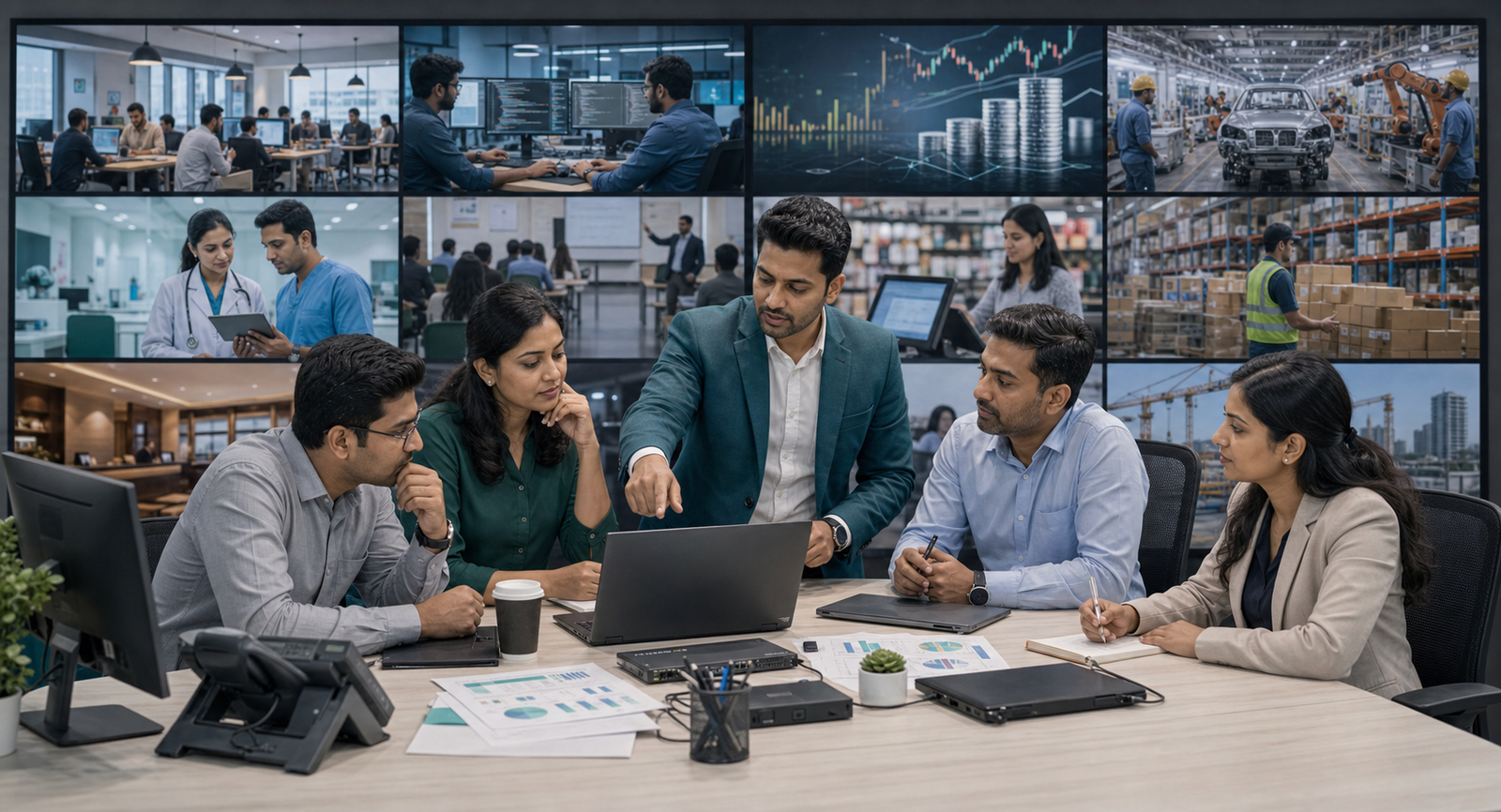
Standardise laptops, desktops and workplace technology that can scale from the first ten employees to the next hundred.
Higher-performance systems for engineers, testers, DevOps teams, project managers, analysts and leadership.
Reliable technology for large spreadsheets, financial applications, reporting tools, video meetings and secure communication.
Office, factory, warehouse, operations, management and engineering teams need different device strategies.
Technology for administration, operations, diagnostics, communication and patient-management workflows where downtime disrupts work.
Some businesses need hundreds of consistent systems. Some need mobility. Some need reliable desktops for long shifts. Others need devices for classrooms, counters, warehouses, temporary sites or client-facing teams.
The right solution depends on industry, team size, applications, growth plans, employee roles, mobility requirements, budget and long-term technology strategy.
Instead of recommending the same devices to every organisation, TechGuide focuses on understanding your business first.
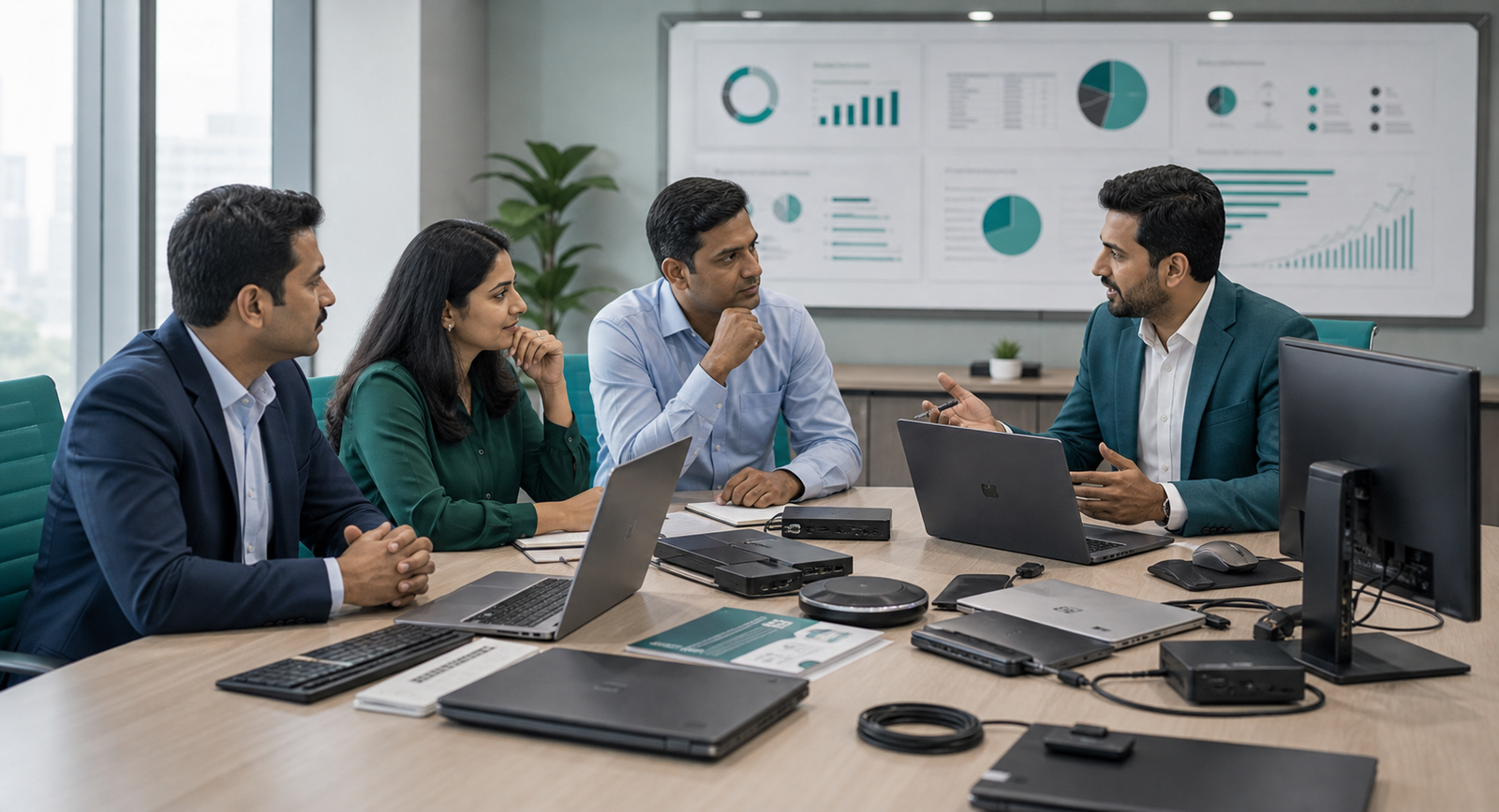
Every year, businesses across India invest in laptops, desktops and office technology to support growth. Yet many organisations still face the same challenges after purchasing: slow systems, inconsistent hardware, IT support pressure, finance questions and doubts about whether a better decision could have been made.
The reason is simple. Most buying decisions focus on products. Successful businesses focus on outcomes. Technology should help people work better, not simply check a procurement box.
These questions help buyers move from model comparison to business-fit decisions.
Email, Office apps, accounting, ERP, CRM, video calls, development, design, engineering, data analysis or AI-assisted productivity all need different thinking.
Consider software updates, memory, storage, workload growth and whether future purchases can be standardised.
Purchase price is only one part. Productivity, maintenance, downtime, employee experience and replacement cycles matter too.
Usually not. Finance, sales, developers, design teams and leadership have different priorities.
Plan for employee growth, branches, mobility, software changes and AI tools before devices become outdated too early.
Fast startup, smooth meetings, quick applications and effortless multitasking compound across every employee every day.
Standardised models, chargers, accessories and configurations simplify support, onboarding, procurement and inventory.
Comparison matters, but procurement should create confidence, not weeks of specification confusion.
Buying every employee the same device often leads to unnecessary spending for some roles and insufficient performance for others. Matching technology to employee roles improves productivity while helping organisations optimise budgets.
The objective is not simply spending less. It is investing wisely. A better device decision can reduce downtime, support effort, replacement pressure and frustration across the working life of the asset.
Before buying, ask whether employee numbers will increase, branches will open, teams will become more mobile, software requirements will change or AI tools will become part of everyday work.
If the answer to any of these is "not sure", it is worth having a conversation before making the purchase.
A successful technology purchase is not only about selecting the right laptop or desktop. It is about helping founders, finance leaders, IT managers, procurement teams, HR, administration and operations agree that the investment supports the business.
As your organisation expands, employees expect reliable systems, faster onboarding and consistent technology across teams. TechGuide helps you invest in technology that supports business growth, improves employee productivity and reduces unnecessary operational complexity.
The lowest purchase price is not always the lowest long-term cost. Reliable business technology can reduce unexpected replacement costs, frequent maintenance, employee downtime, productivity losses and future procurement complexity.
IT teams already manage infrastructure, service requests, security and upgrades. TechGuide helps standardise technology, simplify procurement and recommend solutions that support long-term IT management.
Specifications differ, configurations vary and every supplier claims value. TechGuide helps procurement teams compare options with clarity around long-term value, scalability, warranty and delivery expectations.
Successful onboarding depends on technology being available, configured and ready when new team members join. Reliable workplace technology improves employee experience and reduces administrative friction.
Whether teams work in offices, factories, warehouses or multiple locations, dependable technology keeps everyday business running smoothly. Operational excellence depends on systems people can rely on.
Growth adds employees, departments, locations and technology decisions. Without planning, businesses end up with different laptop models, different accessories, inconsistent performance levels and purchasing decisions made over several years.
TechGuide helps organisations create technology standards that support growth while simplifying future procurement.
Regardless of your role, every stakeholder wants reliable technology, productive employees, investments that deliver value, simple procurement and a business prepared for future growth. TechGuide begins by understanding your goals, your teams and your growth plans before recommending any solution.
Most suppliers can send a quotation. Many can deliver a laptop. Very few take responsibility for helping businesses make the right technology decisions. TechGuide focuses on reliable technology environments that support productivity, collaboration and long-term growth.
Businesses have moved from desktop-only workplaces to mobile workforces, hybrid offices, cloud collaboration and AI-powered productivity. Through these changes, the need has remained the same: dependable technology and trusted guidance.
We understand your organisation, employees, applications, growth plans and technology objectives before recommending suitable business technology.
Financial services, manufacturing, healthcare, education, professional services, retail, hospitality, engineering, technology, logistics, corporate offices and growing startups.
We help businesses compare suitable options from recognised technology manufacturers based on operational needs, budget and future growth plans.
Business technology is not a one-time purchase. As teams expand and applications change, every new purchase becomes simpler when your environment is already understood.
We learn about your organisation, teams, applications, growth plans and operational priorities.
Different departments need different levels of performance, mobility, reliability and support.
We recommend practical options aligned with business objectives instead of overwhelming you with specifications.
We help simplify purchasing with scalable technology choices that support current operations and future expansion.
Technology should reach teams when they need it, with a smooth transition and clear accountability.
As your organisation grows, TechGuide continues supporting evolving technology requirements.
We measure success by whether employees became productive faster, procurement became simpler, the technology supported business requirements and the investment delivered long-term value.
TechGuide has supported organisations ranging from growing businesses to well-recognised companies across manufacturing, financial services, logistics, retail, education, healthcare and professional services. Every engagement has one common objective: help the business make better technology decisions.
















Reliable technology, professional guidance and long-term value. That is what business buyers expect when workplace technology directly affects employee productivity, customer service and daily operations.
From first-office setups to phased refreshes, TechGuide helps teams map users, roles, timelines, budgets, delivery locations and support expectations before money is committed.
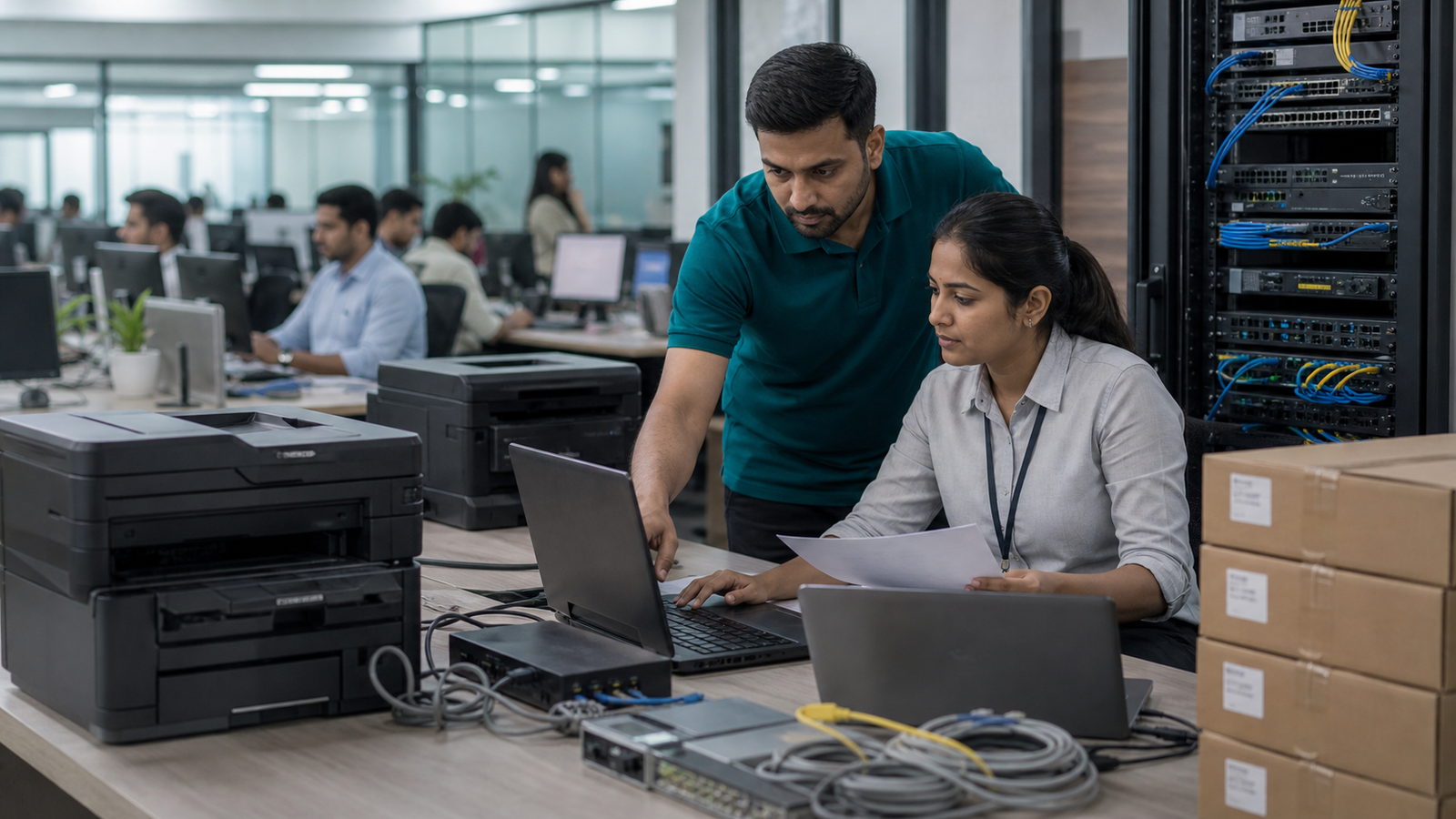
Employees are joining and every workstation needs to be ready. TechGuide helps plan and procure workplace technology so teams can become productive from day one.
Hiring twenty, fifty or more employees should be exciting, not stressful. We help organisations standardise technology so expansion remains organised.
Instead of waiting for slow applications, frozen meetings and employee complaints, we help plan structured refreshes that minimise disruption.
Different offices often accumulate different laptop models, accessories and configurations. We help create consistent environments that simplify support and future procurement.
Technology is an investment in employee productivity. Recommendations should consider today's requirements and tomorrow's business goals.
Employees focus on customers instead of computers.
Managers focus on business instead of hardware issues.
IT teams focus on innovation instead of recurring support requests.
Leadership focuses on growth instead of procurement challenges.
Business technology decisions become easier when the questions are practical. These answers help founders, IT teams, admin heads, finance teams and procurement leaders understand what to consider before shortlisting devices, comparing quotes or planning a rollout.
Business laptops are designed for professional use. They typically offer better durability, stronger security features, easier fleet management, longer product availability and support for business environments. The right choice depends on how your employees work and the applications they use every day.
There is no single laptop that is best for every business. The right choice depends on employee role, business applications, mobility requirements, budget and expected lifecycle. A finance executive, software developer and sales manager usually need different configurations.
Start by identifying how each department works: daily applications, travel frequency, hybrid work needs, specialised software and expected device life. Role-based selection usually delivers better long-term value than buying the same model for everyone.
The answer depends on workload. Basic office work requires different resources than software development, engineering or content creation. Businesses should consider current applications, multitasking needs and future software requirements before finalising specifications.
Both have advantages. Laptops offer portability and flexibility, while desktops often provide greater performance, easier upgrades and longer operational life. Many businesses use a mix depending on employee roles.
Replacement timing depends on performance, business requirements, application demands, operating system compatibility, maintenance history and future plans. Many organisations review technology regularly instead of waiting until devices affect productivity.
Start with employee roles, software requirements, standardisation goals, budget expectations and delivery timelines. Planning before purchasing reduces future complexity and helps avoid mismatched devices.
Yes. Sales teams, finance departments, designers, developers and management often have different performance priorities. Matching devices to employee roles helps optimise productivity and investment.
Yes. Standardisation simplifies onboarding, IT support, future procurement, accessory compatibility, inventory management and long-term maintenance. It also makes future expansion easier.
That depends on business priorities, budgets and expansion plans. Some organisations refresh in phases while others standardise the entire fleet together. A structured procurement plan helps businesses decide confidently.
Typical offices may need business laptops, desktop computers, professional monitors, docking stations, networking equipment, business peripherals, conference room technology and secure connectivity. The right mix depends on the business workflow.
Technology planning should begin as early as possible. Early planning helps avoid delays after employees join and makes procurement, installation and deployment easier to coordinate.
Start by defining approved device categories, consistent configurations and procurement guidelines before expansion begins. This creates predictable buying, support and lifecycle management.
Technology alone does not create productivity, but reliable and well-matched business technology removes unnecessary delays. Employees spend less time waiting and more time completing meaningful work.
Common reasons include outdated hardware, increased software requirements, storage limitations, insufficient memory, ageing devices and workloads beyond the original system design. Understanding the cause is better than replacing hardware blindly.
No. The goal is to provide technology appropriate for each role rather than purchasing the newest available device for everyone.
Growing businesses often benefit from standardisation, role-based device selection, future capacity planning, consistent procurement, lifecycle management and scalable infrastructure. Planning ahead reduces operational complexity.
Yes. Modern workplaces need technology that supports employees working from offices, client locations and home environments. Suitable business devices help maintain productivity regardless of location.
Online marketplaces are useful for comparing products, but business technology procurement requires understanding requirements, planning growth, selecting appropriate configurations and simplifying procurement. That is where TechGuide adds value.
No. TechGuide works with startups, SMEs, growing businesses and larger organisations across different industries. Every business deserves recommendations based on actual requirements rather than generic product suggestions.
Yes. TechGuide supports businesses across India with business technology procurement and office IT solutions.
Absolutely. TechGuide begins by understanding your business, employees and objectives so recommendations align with your organisation rather than simply your budget.
Whether you are purchasing technology for a growing team, opening a new office or planning a large-scale refresh, TechGuide is ready to help your organisation make confident technology decisions. No obligation. No pressure. Just practical advice designed around your business.